


 VidHex — Enhance video quality with AI
 Enhance video details and clarity with AI technology and get stunning, high-quality video in any scenario.

This guide reviews five 4K capable AI video enhancers (software and web based): VidHex, VEED.io, Media.io, Vmake, and CapCut. These AI powered tools analyze videos frame by frame to restore lost details, sharpen footage and adjust colors for 4K level output. When selecting one, check available AI models, batch processing support, and whether you prefer cloud convenience (web based) or deeper control (desktop software). Note that most free tiers impose limits on features, file size, export speed or add watermarks.
4K Video Enhancer Online Tools Overview Guide [Free & Paid]
Quick Answers:
Only when the videos watched or produced meet the needs and standards of the audience can they gain more attention and views. But what can you do if you accidentally put out or come across a video that is in poor resolution condition? That’s why this article features 5 promising 4K AI video enhancer tools for both web and software-based use to ensure users have options in what to use for their 4K video enhancing needs.

Contents:
Part 1. Comparison Chart of 5 4K Video Enhancers Online
What a 4K Video Enhancer Online and software-based tool does is it will frame-by-frame analyze the video, and with the use of AI, it will recover some of the missing details and automatically adjust the video clarity, brightness, and colors to achieve a 4K-like resolution to a video. These tools are categorized as web-based and software-based, and both offer features and convenience for the user experience. In this section, we prepared a comparison chart of the five listed tools for a quick comparison for users prior to investing time in using each of the tools.
| Tools | Ease of Use | 4K Quality Support | Availability | Platform | Processing Speed |
|---|---|---|---|---|---|
| VidHex | Beginner friendly | Yes | Free Trial $31.92/month $79.92Year | Software-Based | High processing and export speed. |
| VEED.io | Extra editing features to learn | Yes | Free (Limited Features) Premium ($8~19/mo.) | Web-Based | Slower processing and exporting speed. |
| Media.io | Very straightforward | Yes | Free Trial Premium ($27.99/mo $167.88/yr) | Web-Based | It has a slow to average export and processing speed. |
| Vmake | Easy interface but need account sign up | Yes | Free (Limited Features) Premium ($9.99~29.99/mo) | Web-Based | It has an average processing speed when analyzing and exporting video files. |
| CapCut | Slight learning curve | Yes | Free (Limited Features) Premium (Standard: $9.99/month or $89.99/year Pro: $15 to $30 per seat/month) | Software-Based, Web-Based, and Mobile-Based. | Average video processing and exporting speed. |
How We Test
We evaluated each tool using consistent sample video assets including low‑resolution old footage, AI‑generated clips, and short‑form social‑media content. Our assessment covers publicly‑stated features, export speed under comparable network or hardware conditions, free‑tier limitations such as watermarks, and file‑size caps and feature locks. Note that enhancement results vary depending on source‑video quality.
Part 2. Top 5 Free Online 4K Video Enhancers Ranked
VidHex AI Video Enhancer
Best For: Users needing batch video upscaling, fast export within 10 minutes for multiple footage files
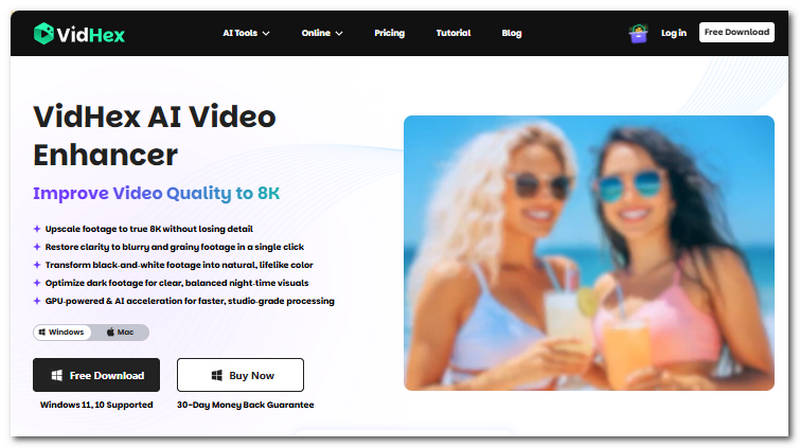
VidHex AI Video Enhancer is an ultimate 4K video enhancer tool that has completely mastered AI video enhancing and upscaling to any type of video. This is due to the AI that is backing the tool, as it manages to house multiple AI models that are useful to various video enhancing needs.
Key Features:
• Equipped with multiple AI models for effective and wide-reaching video upscaling and enhancing needs.
• Supports batch processing of multiple videos in one go.
• Automatically adjusts video sharpness, brightness, and more.
• Intelligent removal of video blur and noise.
• Restores old and poor-resolution videos.
• Produces the most natural-looking result.
Pros
- Using the tool doesn’t require technical knowledge or experience with similar tools.
- Lightweight type of software.
- Always produces high-resolution results.
- Safe and reliable video user tool.
Cons
- Currently available to Windows devices.
VEED.io
Best For: Best For: Quick cloud based single clip enhancement and simple editing.
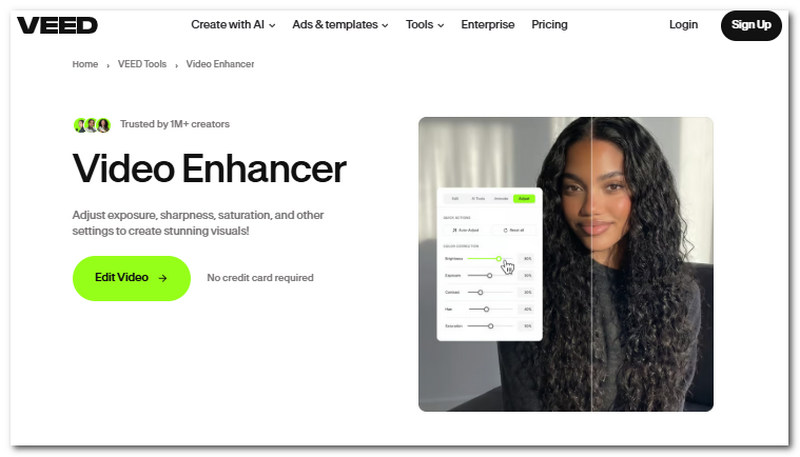
Veed is a web-based AI video enhancer tool that allows users to automatically enhance their videos while also giving them some sort of control over their video enhancement alongside various AI tools for overall resizing, upscaling and enhancing the video.
Key Features:
• It has AI-powered editing features and tools.
• Wide range of support for multiple video file formats.
• Access to a wider range of royalty-free stock library.
• Completely cloud-based video editor and enhancer tool.
Pros
- Beginner-friendly user interface.
- Double function as a simple video editor.
Cons
- It uses a credit-based system.
- It has limited video file size upload.
- Its free tier has limited access to tools and features for video enhancing.
Media.io
Best For: Casual creators for quick video upgrades online for single‑clip rendering.
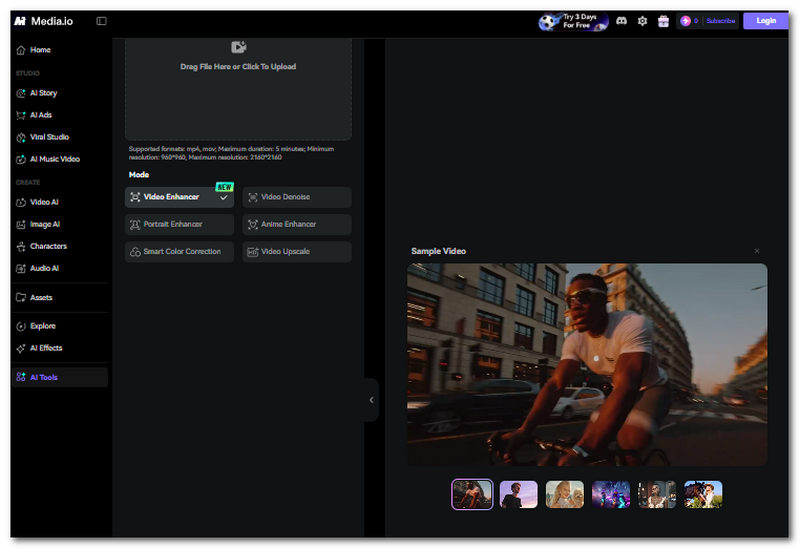
Media.io is a web-based AI video enhancer tool that uses AI technology to further improve and refine video overall details and quality without exerting much effort or advanced technical knowledge.
Key Features:
• AI video upscaling capabilities to 4K.
• Advanced and automatic video sharpening and deblurring tools.
• AI noise reduction and noise remover.
• Video converter tool.
• Audio file extractor tool.
Pros
- Straightforward user interface.
- Safe and easy-to-use tool.
- No installation required.
- Produces a polished video result.
- It works and processes videos automatically.
Cons
- It uses a credit-based system.
- The free trial has limited use and access to features and tools.
- It has limited video file size upload.
Vmake Video Enhancer
Best For: Web based batch image and video upscaling with watermark.
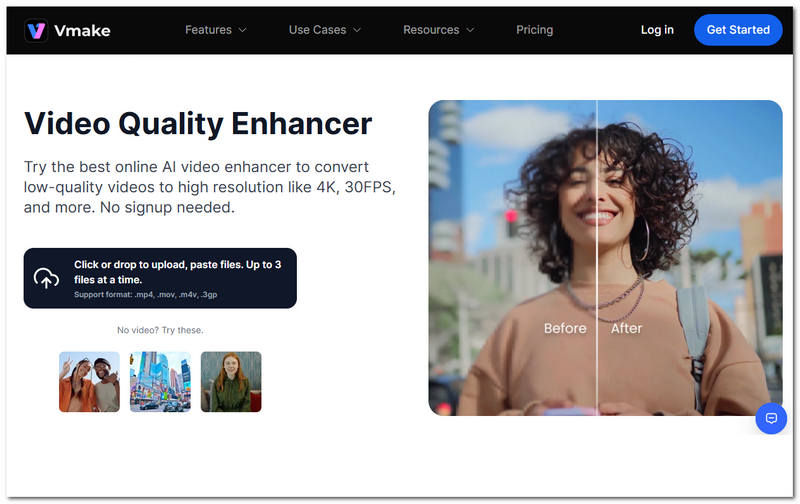
A third-party web-based video enhancer tool that allows the user’s video to be improved in a way that it resolves and refines video flaws and quality without overprocessing it. This tool is easy to use as it is versatile and supports different video file formats.
Key Features:
• Image and video upscaler in one tool.
• AI-integrated video user tool.
• Automatically adjusts video brightness and removes video flaws.
Pros
- Web-based type of video enhancer tool.
- Easy-to-use tool.
- Capable of multi-batch processing of videos.
Cons
- Export speed is relatively slow.
- It requires users to create an account before using the tool.
- It puts a watermark in the video when in the free tier.
CapCut Free AI Video Enhancer
Best For: Video creators want a free and all‑in‑one editing and enhancement.
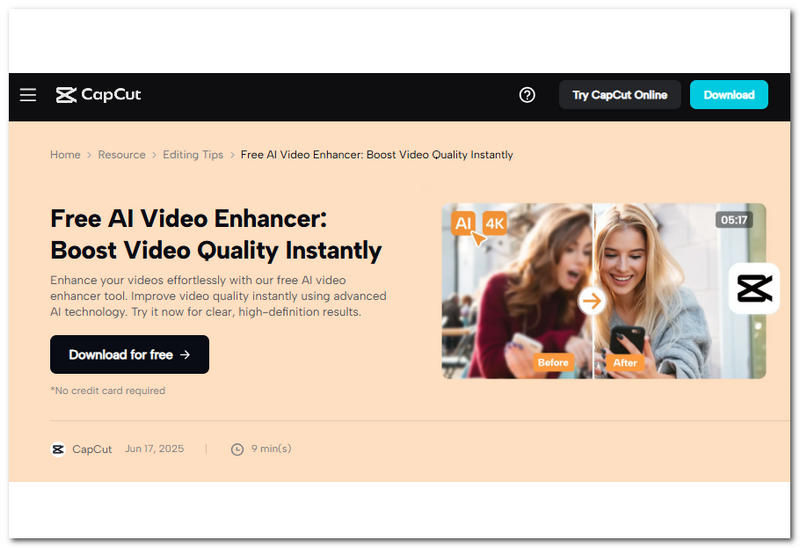
CapCut Free AI Video Enhancer is a feature that is found within the CapCut video editor program. As a versatile video editor tool available for mobile, software, and web-based use, CapCut is among the versatile and usable tools for users, as it is not only accessible but also houses all sorts of video editing features and AI functions.
Key Features:
• Easily removes video grains.
• Powered with AI for upscaling videos.
• Automatically sharpens and adjusts video contrast and brightness.
• Eliminates unnecessary video flickers.
Pros
- Powerful video editing and upscaling tool.
- Free-to-use tool.
- Easy to navigate around the tool.
Cons
- Limited features on the free version.
- It has a very slow upsampling process, especially when dealing with high-resolution videos.
Part 3. What to Look for in A 4K Video Enhancer Online
When you are still confused and undecided about what to use when it comes to enhancing your video despite finding out about the details in this guide, then maybe this section can be of use in your decision-making process. As this section points out a few key points you might want to consider when choosing the best and ideal 4K video enhancer tool for your use.
Wider AI Model Availability. When choosing aa4K video enhancer tool, consider the one wth many AI model supports, as this can be of help in addressing multiple video problems when it comes to video quality.
Video File Batch Processing. This functionality comes in handy when you are handling multiple videos, as this can make your task a lot easier and save you time, as you can just enhance multiple videos automatically in one go.
Convenience & Functionality Use. If you are just a casual user, then it is best to use a web-based AI 4K video enhancer tool, as this can meet basic and much faster video enhancement needs. However, if you want much more control over the result, then using a software-based tool is best, as this gives you wider options with AI models as well as the offered features.
Part 4. FAQs about 4K Free Online Video Enhancers
Can I enhance videos to 4K for free?
Yes, many tools can give a low-resolution video a quick 4K enhancement in their own ways, either by utilizing an AI model or by giving users various enhancement functions and tools for manual adjustment to the video quality.
What video formats are supported by online video enhancers?
A lot of video enhancer tools support various video file formats, but at a surface level, the majority of them have support for taking and processing video file formats with MP4, MPEG, MOV, WMV, AVI, MKV, WebM, and more.
Conclusion
As quality is as important in a video context for effectively imparting a message or simply enjoying it, dealing with low-resolution video is no longer a problem, as there are now ways to resolve such a problem by using a reliable and functional 4K online free video enhancer. This article guide has used this opportunity to browse the internet for the best and most reliable 4K video online and software-based enhancer tool to be of help to users who are looking for a tool for their video enhancing needs. This guide not only lists five video enhancer tools but also provides a comparison chart for users to base their decision on which among the best-picked tools above will be ideal and perfect for their needs. Thus, the listed tools are a variety of software and web-based tools to allow users more options.
VidHex – AI Video Enhancer

- Upscale videos to 4K/8K with AI.
- Increase FPS for smoother videos.
- Colorize B&W old recordings.
- Brighten the low-lit footage.
- Remove noise with details retained.


