VidHex — Enhance video quality with AI
 Enhance video details and clarity with AI technology and get stunning, high-quality video in any scenario.
5 Video Quality Enhancers 1080p Online & Software Review

One video should be high-quality but not everyone can remain clear over time, many are struggling with how to preserve, or at least save, a video of poor resolution. That’s when the use of a 1080p Quality Video Enhancer comes in to preserve as much detail and color as possible, as 1080p resolution is the standard video quality- not over the top, which makes the file size bigger, and not below-average video quality that is prone to being blurry.
In this guide, we list five promising 1080p video enhancers, including a variety of online and software-based options to help users choose for their 1080p video enhancement needs. Furthermore, this guide not only informs users about different tools they can use but also helps them compare and contrast each tool through an honest take on pros & cons and a comparison chart.
Contents:
Part 1. Comparison of 5 Video Enhancers
How We Test
We tested the five AI 1080p video quality enhancer with three standard clips: grainy 480p old footage, heavily‑compressed 720p social‑media video, and native 1080p reference footage. Web tools were run in the same browser under stable home internet; desktop software ran on Windows 10. We recorded real export times and verified free‑tier limits (watermarks, credits, resolution locks), batch‑processing and custom‑resolution export functions. Results depend heavily on original source‑video quality.
| Tools | Tools | Resolution | Platform | Free‑Tier Limits | Batch Processing | Extra Built‑in Tools |
|---|---|---|---|---|---|---|
| VidHex | Users needing free exports without watermarks, bulk video upscaling | Custom output resolution and up to 8K. | Desktop Devices | 100% free, no watermark, no credits | 100% free, no watermark, no credits | Multiple AI enhancement models |
| Clideo | Quick single clip online enhancement for casual one off projects; free exports carry a watermark | Up to 4K video resolution. | Browser-Based | Browser-Based | ❌ | Basic manual brightness/contrast adjustment |
| Flixier | Cloud workflow for team collaborative editing + video enhancement, browser based teamwork | Up to 4K video resolution. | Browser-Based | Free version limits export options | ❌ | Full cloud video editor, team‑collaboration support |
| Fotor | Creators seeking unified image‑and‑video AI enhancement in one web tool | Up to 1080p video resolution. | Browser-Based | Credit‑based system; limited fine‑tuning controls | ❌ | Unified AI enhancement for images + videos |
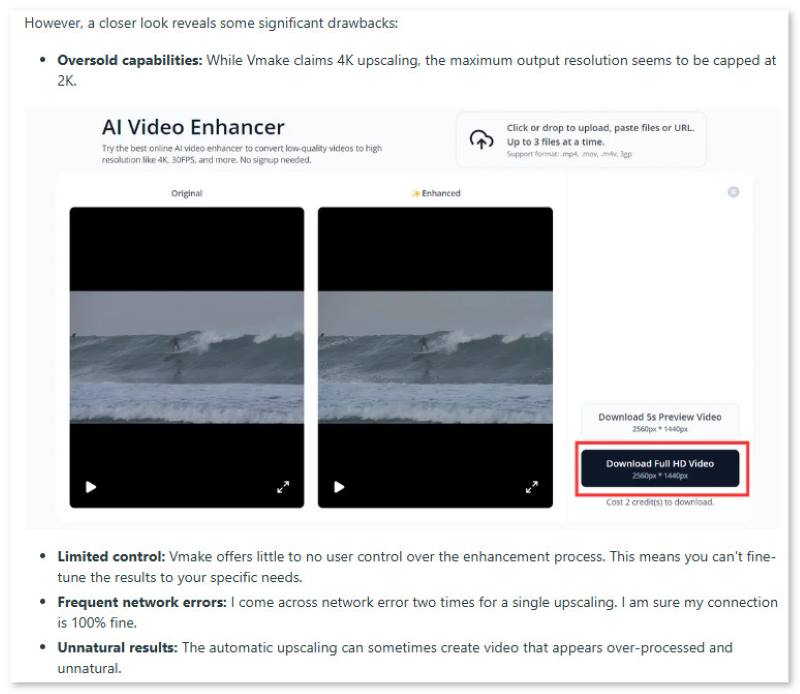
| Vmake | Team screen recording and collaboration, with video enhancement being just a small feature. | Up to 1080p video resolution. | Browser-Based & Desktop Devices | Credit‑based quota for enhancement exports | ❌ | Automatic one‑click video improvement |
Part 2. Best 5 Free 1080p Video Enhancers Online
VidHex AI Video Enhancer
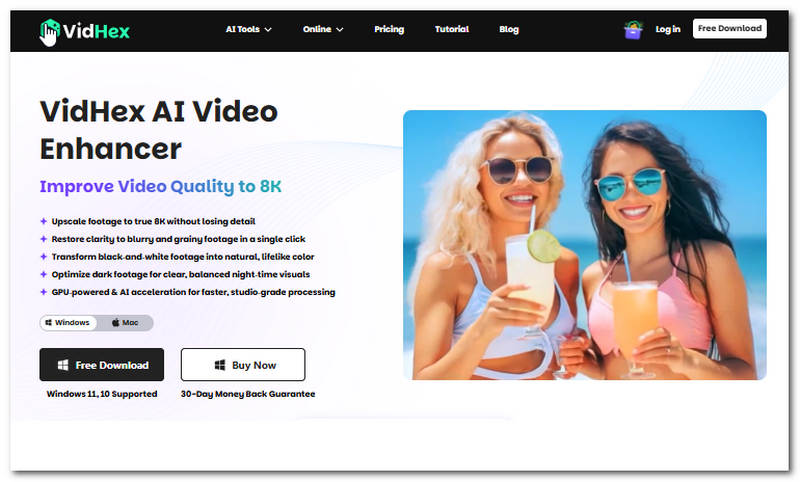
VidHex AI Video Enhancer is a software-based 1080p video quality enhancer tool that has an AI technology allowing users to have access to multiple AI models to help users address and fix all forms of video quality problems in the video. VidHex, as a lightweight video enhancer tool for desktop devices can upscale video to any quality the user prefers, restore clarity in the video, remove grain, colorize video, and more.
Pros
- Free-to-use tool.
- Safe and easy-to-navigate video enhancer tool.
- Lightweight and usable on all desktop devices.
- AI-powered video enhancer and upscaler tool.
- It has multiple AI models.
- High video processing and export speed.
Cons
- Currently unavailable for web-based use.
Verdict
VidHex can be the best and ideal video enhancer tool for users, as it is lightweight on a user's device yet gives a lot of features and tools for video enhancement. Moreover, users can simply adjust and choose their preferred output resolution when exporting, making it more convenient for users who need a very specific resolution size when uploading it on various social media platforms.
Clideo Video Enhancer
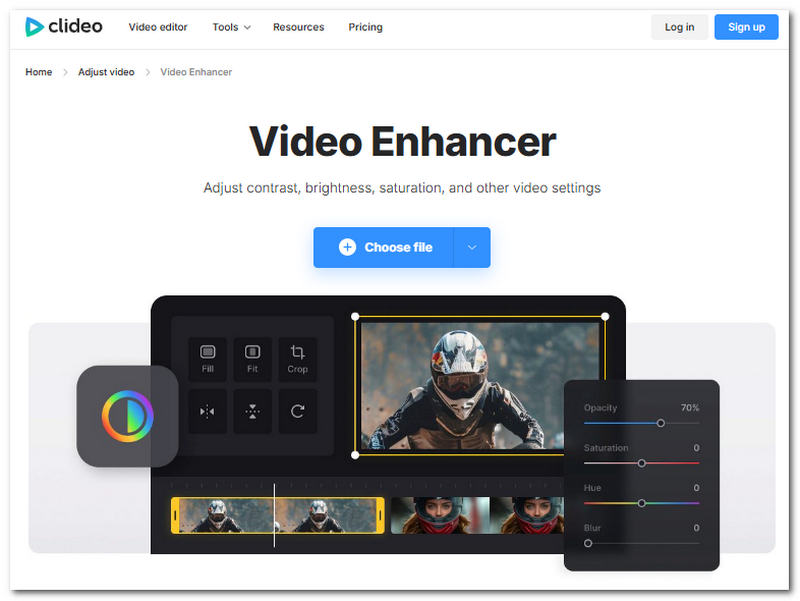
Clideo is a web-based video enhancer tool that conveniently allows users to automatically adjust the overall video elements like contrast, brightness, saturation, etc as part of the enhancement process.
Pros
- It has a clean and very straightforward user interface.
- Beginner-friendly video enhancer tool.
- It has wide video file format support.
- Perfect for casual and non-serious video enhancing needs.
Cons
- It has a slow processing speed.
- It lacks other functions and features to further enhance the video quality.
- Does not allow users to choose their own output resolution.
- It puts a watermark on the exported videos.
Verdict
While it appears that Clideo handles video enhancement by having a very slow processing speed, it makes sure that it analyzes the video frame-by-frame in order to have a more precise and accurate enhancement.
Flixier Video Enhancer
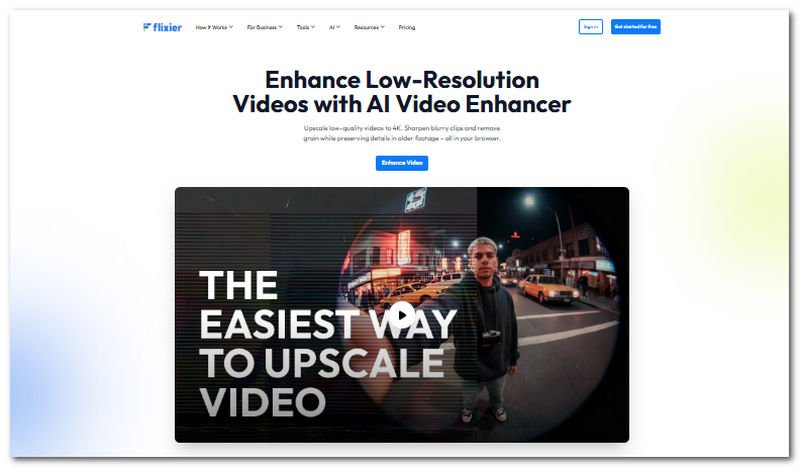
Flixier is a web-based and cloud-based video quality enhancer, 1080p online, free from hidden charges, that allows users to have access to instant video enhancing tools and functions, and it can be used as a web-based video editor. It is also powered by AI that handles the analysis of the video frames and improves them accordingly to what it needs.
Pros
- Accessible to all web browsers.
- It has fast video rendering and processing.
- It has built-in AI functionality.
- Organized and polished user interface.
- It doubles as a video enhancer and basic video editor.
Cons
- It has limited AI video enhancement features.
- There are limited export options on the free version.
Verdict
Flixier is a great mix of video enhancement and an editor-in-one tool, as users can further improve and perform manual adjustments on their video when needed. Apart from being a versatile tool, Flixier has a very basic and clean interface, making it easy to work with and perfect for beginners.
Fotor
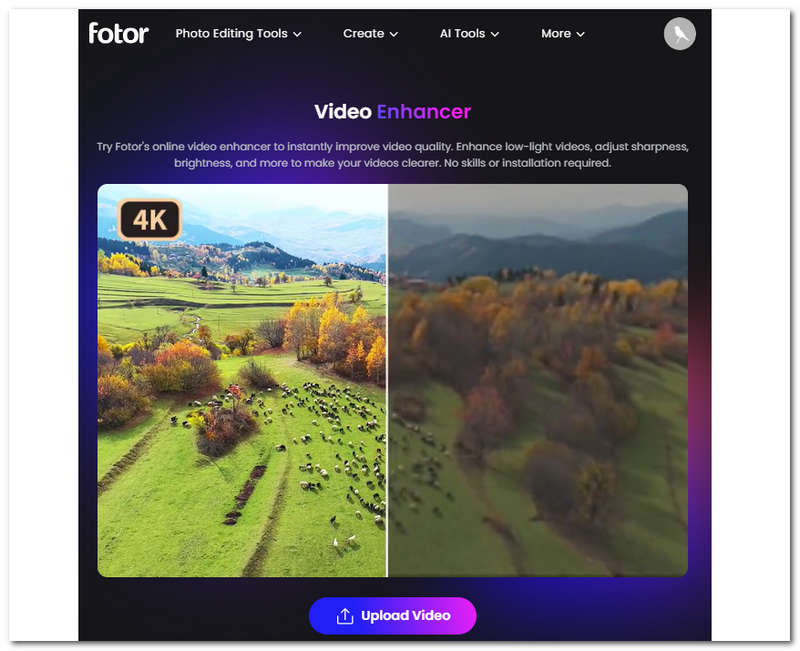
Fotor is also another 1080p video quality enhancer that is powered by a powerful AI that works automatically as soon as the video is loaded into the tool. Through this process, Fotor can remove any unwanted video grain without overdoing it while also making auto adjustments to the video brightness, contrast, and other fields, eliminating the need for user intervention.
Pros
- An online-based video upscaler tool.
- No hassle installation of software.
- It has fast processing speed.
- It has a very intuitive yet functional user interface.
- All the enhancements are automatically done by the AI.
Cons
- Limited features for video enhancement.
- It comes with a limited set of features on its free version.
- It uses a credit-based system for enhancing a video.
- Doesn’t have adjustment settings for fine-tuning the enhancement strength on the video.
Feedback
Honestly, it’s a really solid app for quick edits. The AI enhancer is the feature I use most—it fixes bad lighting with a single click. The background removal is also surprisingly accurate, even when there’s messy hair. But the ads in the free version are incredibly annoying and constantly interrupt my work. Nearly every useful AI feature is locked behind a paywall, and the app keeps pushing me to upgrade to the Pro version every couple of seconds. It also lags quite a bit when it has to handle large files.
Vmake AI Video Enhancer
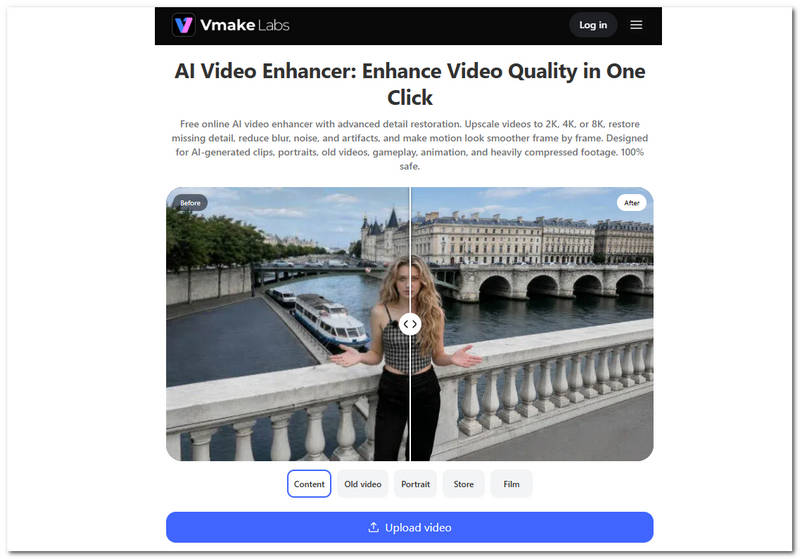
Vmake AI Video Enhancer is also a video enhancer tool that uses a cloud-based system to perform enhancement on the video. This makes it less of a hassle for users, as they do not need to install software just to use its service, as Vmake handles the video processing on the web.
Pros
- Very beginner-friendly tool.
- Powerful video enhancement capabilities.
- Straightforward interface and functionality.
Cons
- Credit-based type of tool.
- Limited unrestricted use of the tool.
- Export speed is relatively slow.
User Review
I paid for the upgraded plan, needed to get rid of the watermark on a video. First, there are limitations that are NOT stated on the site - Video up to 300 MB only and shorter than 40 minutes only. Then I cut a portion of the video and guess what? Even if it met the limitations, the watermark didn't disappear at all, it is just as before, the watermark remover did NOTHING!
Part 3. FAQs about Free 1080p Video Quality Enhancer
Does enhancing a video to 1080p increase its quality?
It depends on the source video, as enhancing a video improves its clarity and details by reducing noise. A video that already has a 1080p resolution may not show that evident result when it goes through the 1080p output resolution video enhancer tool, and for lower resolutions, there can be obvious changes in the quality.
Will enhancing a video remove noise?
Yes, well, at least in the listed video enhancer tools in this guide, you can expect a polished removal of noise on the tools, as it is among the common features that all the tools offer. However, there can still be a difference in the result, as each tool has its own AI and system for dealing with video noise, so it all boils down to which tools you will use.
Can I improve old videos to 1080p?
Yes, that is what these video enhancer tools are made for. Users with low-resolution as well as old video footage can use the tool to not only upscale the resolution quality but also utilize the AI to recover video detail, give vibrant color, and more.
Conclusion
In this guide, we have listed the best 1080p video quality enhancer tools for users to use. A variety of tools, not only straightforward but also high-quality, functional, and reliable, whether for casual and instantaneous needs of video enhancement or professional video needs. Furthermore, when choosing the best and perfect tool for your video enhancement needs, feel free to use this guide to compare and contrast each tool, or better yet, use each tool to experience and determine which one could be the most convenient for you.

- Upscale videos to 4K/8K with AI.
- Increase FPS for smoother videos.
- Colorize B&W old recordings.
- Brighten the low-lit footage.
- Remove noise with details retained.