

 VidHex — Enhance video quality with AI
 Enhance video details and clarity with AI technology and get stunning, high-quality video in any scenario.
AI Video to HDR Converter: 5 Best Tools to Convert SDR to HDR

A video with flat dynamic range looks washed out, especially when you watch it on an HDR-capable screen. You are simply not getting the full viewing experience the creator intended. The good news: you do not need complex editing skills to fix it. An AI video to HDR converter can analyze your footage and expand its dynamic range automatically. This article covers everything you need - what an HDR converter is, why you need one, and hands-on reviews of five video-to-HDR converters.For each tool, we list its pros and cons, and explain how to choose the right one for your platform, budget, and skill level. Never settle for flat, dull video again.
Contents:
Part 1. What Is a Video to HDR Converter and Why Do You Need One?
HDR (High Dynamic Range) is a display technology that expands a video's contrast, color, and brightness so it looks crisper, more vivid, and closer to what the human eye sees. HDR is common on modern TVs and phone screens. When your SDR footage plays on an HDR screen, it can look flat and washed out - which is exactly when you need an HDR converter to upconvert the dynamic range.
When you convert a video to HDR, the tool adjusts your video's overall quality, including its contrast, brightness, color, and deeper shadows. Modern HDR converters use AI to handle this automatically, so you get professional-looking results without manual color grading. Here are the main benefits:
• Enhances overall visual quality.
• Expands the color gamut for seamless color transitions.
• Enhances contrast to simulate how the human eye perceives light.
• Uses AI to analyze video frame by frame - no manual adjustment needed.
You can also use how to upscale video to improve video resolution before converting it to HDR.
Part 2. How We Tested the Best Video to HDR Converters
To rank these five converters, we converted the same 30-second 4K SDR test clip with each tool on the same desktop hardware, then evaluated five criteria:
1. color accuracy and contrast expansion
2. detail retention
3. conversion speed
4. format and HDR output support (HDR10 / Dolby Vision)
5. value for money. Note: VidHex is our own product
Part 3. 5 Best Video to HDR Converters Compared
Quick Comparison
| Name | Platform | Pricing | HDR |
|---|---|---|---|
| VidHex Video Enhancer | Windows / Mac | Free Trial/Paid | SDR to HDR |
| HDR Enhance | Windows | Paid | HDR-like |
| Topaz Video AI | Windows / Mac | Paid (high) | SDR to HDR |
| UniFab HDR Upscaler | Windows / Mac | Paid | HDR10 / Dolby Vision |
| Clideo | Web | Free Trial/Paid | HDR-like |
1. VidHex Video Enhancer
Best for: Best all-in-one for beginners
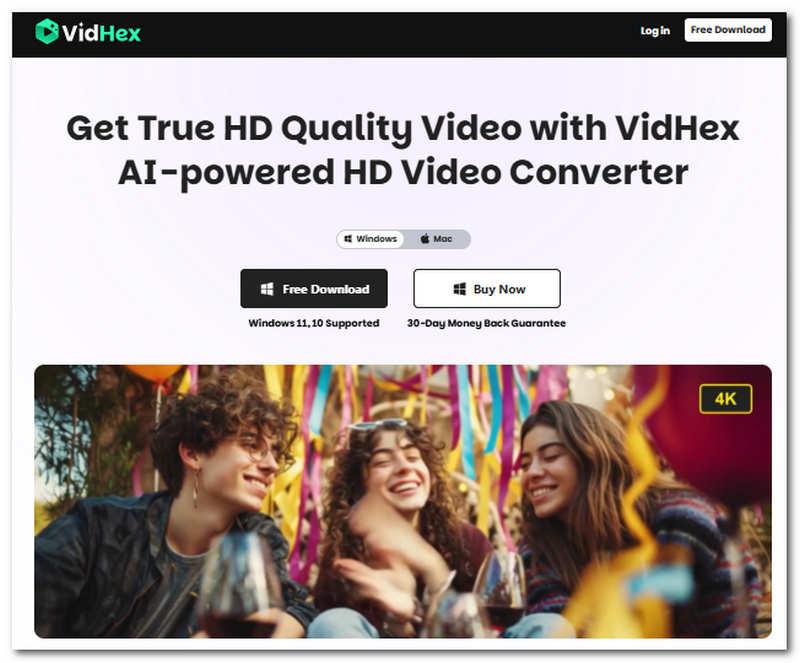
VidHex Video Enhancer is a versatile video and media converter tool that manages to pack different AI model features for enhancing video files. Among these useful features is a feature called VidHex HD Video Converter that allows users to convert their video to HDR without losing a single pixel or ruining the overall quality of the video.
Pros
- Multiple AI video-enhancing models are available.
- Converts video quality up to 4X better.
- User-friendly and free to use.
- Lightweight on devices.
- Straightforward functions and features.
- Safe to use.
- Uses faster processing hardware for smooth and quick video conversion.
Cons
- Other advanced features are not available on the free version.
Steps in Using VidHex HD Video Converter
Step 1. Download and install VidHex Video Enhancer’s VidHex HD Video Converter tool to your desktop device (Mac or Windows).
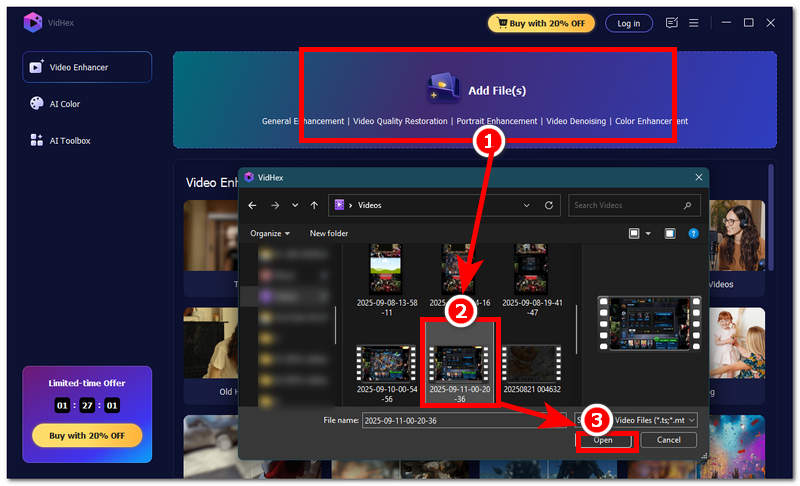
Step 2. Once the installation is complete, open the software and from its main interface, click on the Add Files section and upload the video you wish to convert into HDR.
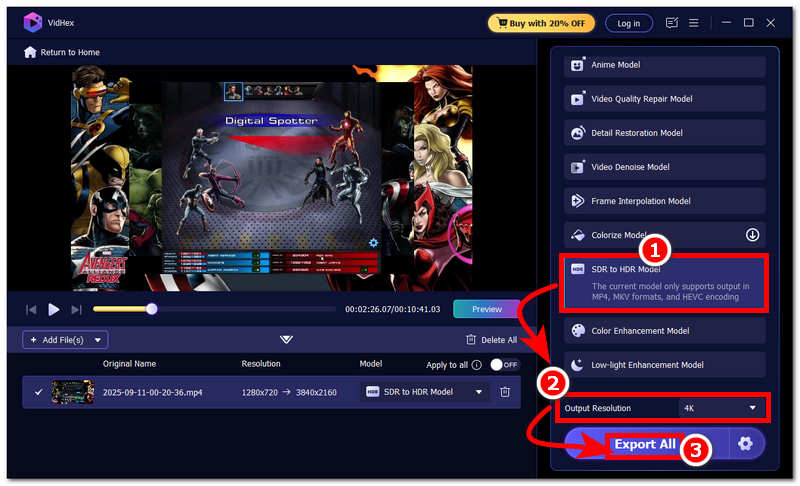
Step 3. Afterwards, situated on the right side of the tool, you will see all the AI models VidHex offers. For this purpose, simply choose the SDR to HDR Model, as this will allow you to convert your videos into HDR format.
Step 4. After you select the SDR to HDR model, simply set your Output Resolution to 4K to ensure lossless video quality export. Once done, you may begin the conversion process by clicking on the Export All button.
2. HDR Enhance
Best for: Windows budget users
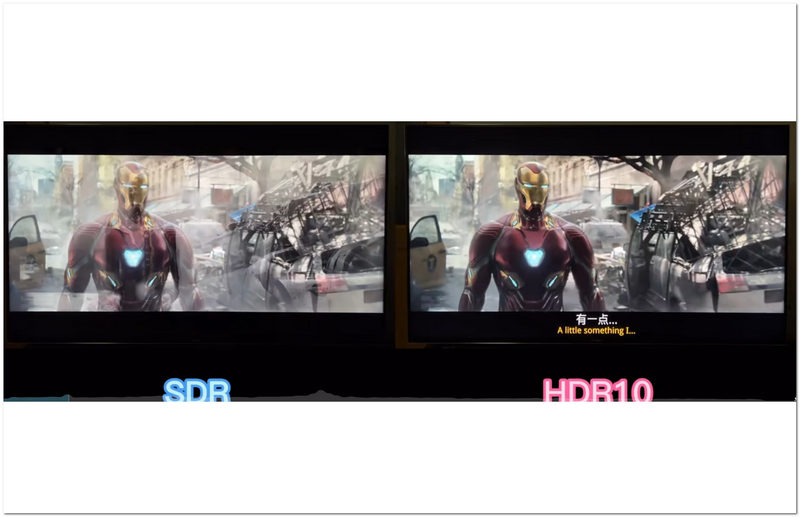
HDR Enhance is a type of video converter tool on Windows device that uses AI to elevate and improves a video of lower resolution to appear more visually appealing, imitating how an original HDR video looks. In addition, what makes this likable to some users is its broad range of support for video file formats, allowing users to choose which of their various video files to convert into HDR-like quality.
Pros
- Uses and integrates AI to make the conversion process easier and faster.
- Capable of interpolating pixels on videos to mimic an HDR visual effect.
- Offers users a lossless video quality export result.
Cons
- Paid-based video converter tool.
- Lacks video enhancement customization features.
- It can be heavyweight on midrange devices.
- Currently not catering to Mac users.
3. Topaz Video AI
Best for: Professionals who need maximum control
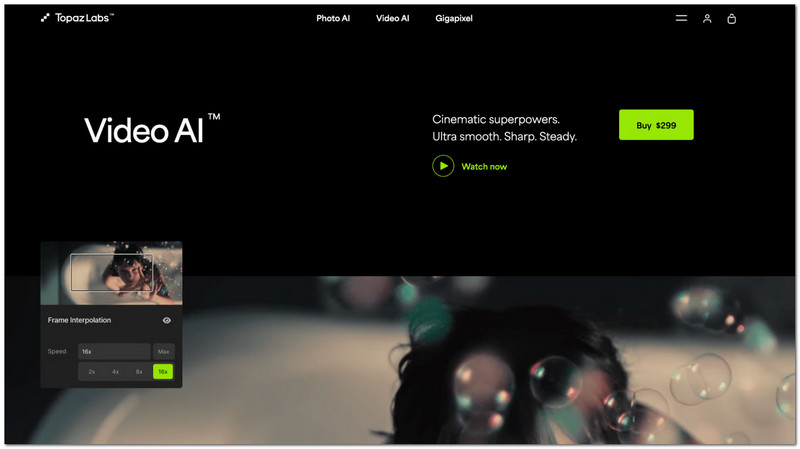
It is another video editing tool that features a conversion option allowing users to convert SDR video to HDR using their own Up Mapping feature. Through this process, the video will have a much larger color gamut, resulting in an HDR feel to it in terms of tone-mapping the video’s color depth, video contrast, and adjustment of video brightness, all possible with its AI that intelligently scans the whole video and makes automatic adjustments on the parts that it detects flaws or poor resolution.
Pros
- Intelligent AI that scans videos frame-by-frame to adjust brightness, contrast, and color accuracy.
Cons
- Some HDR converted results may appear muddy.
- It struggles to enhance videos with darker scenery.
- May tend to oversaturate videos.
- It is relatively slow during the conversion process.
4. UniFab HDR Upscaler
Best for: Users who want HDR10 / Dolby Vision output
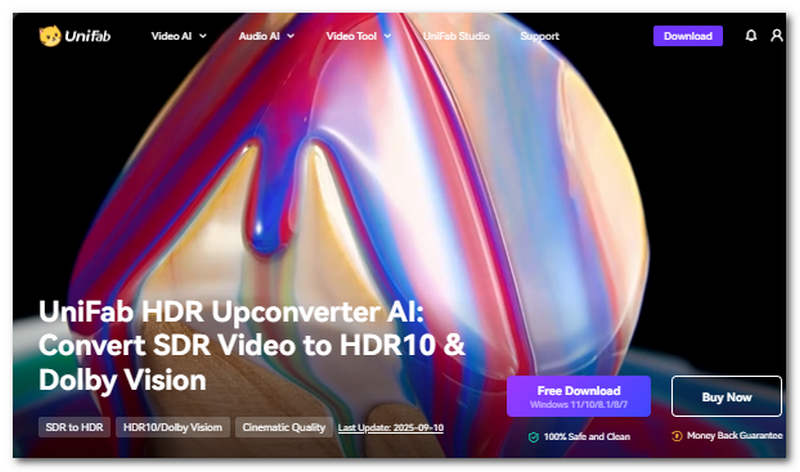
UniFab HDR Upscaler is a type of video converter tool that also utilizes AI in converting SDR to HDR videos, which is trained and undergoes an extensive SDR to HDR video conversion to ensure it produces great and accurate results. It enhances video by intelligently adjusting the brightness, contrast, and color. It is capable of converting SDR videos to HDR10 or Dolby Vision-like quality, offering options and variety in the depth of color and brightness a video user wants to achieve.
Pros
- Gives a more vibrant and punchier color, improving the overall visual aspect of SDR video.
- Its AI acts as machine learning, enhancing its conversion prowess over time.
- Fast processing hardware is equipped within the tool to ensure a smooth and lossless video conversion.
Cons
- May appear to struggle with inferior video quality.
- It may throw off conversion capabilities when the video user loaded is already in HDR or a higher resolution.
- Pricing is costly.
5. Clideo
Best for: Quick online conversions without installing software
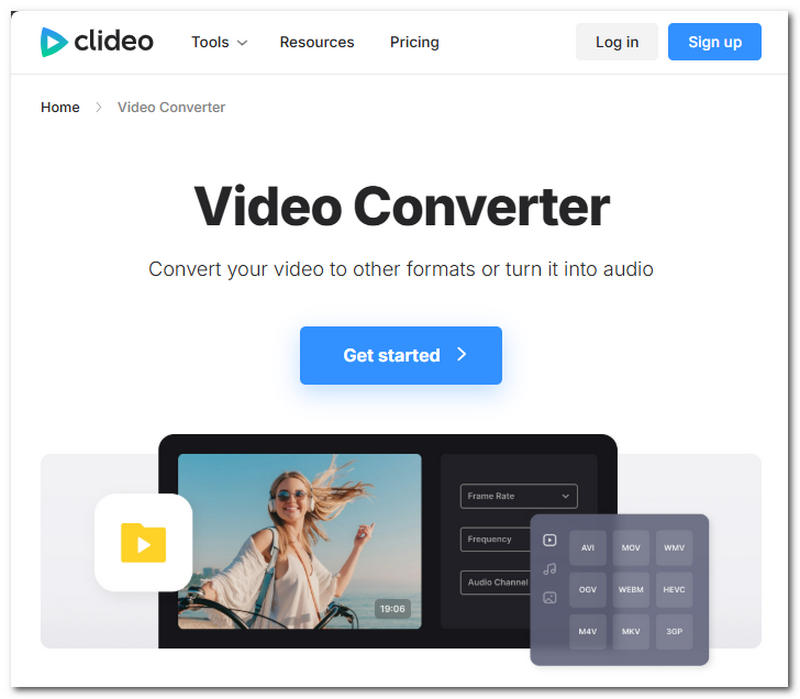
Clideo is a web-based video converter, making it easy to access and use by users, as it operates through a web browser. Clideo's capabilities in converting low-quality video into HDR can be achieved within the tool's video editing features, which also include video enhancement features such as manual adjustment of video brightness, contrast, color vibrancy, and more, allowing for a more controlled HDR video result.
Pros
- Has a broad range of support for various video files.
- Capable of converting video into audio.
- Has a straightforward user interface.
- It can act as a video editing tool in one.
Cons
- It has a file size limitation on videos that users opt to convert within the tool.
- May require user manual adjustment and guidance to achieve an HDR-like quality to the video.
- It has a watermark when exporting your converted video files.
- Lacks features for customizing the result when converting videos to HDR.
Part 4. How to Choose a Video to HDR Converter
• Choose VidHex if you are a beginner who wants a free, all-in-one tool on Windows or Mac (upscaling + enhancement + SDR-to-HDR in one app).
• Choose Topaz Video AI if you are a professional who needs frame-level control and maximum output quality.
• Choose UniFab HDR Upscaler if you need HDR10 or Dolby Vision output files.
• Choose Clideo if you want a free, browser-based option for quick conversions without installing software.
• Choose HDR Enhance if you are on Windows and want a lightweight budget tool (verify it is still maintained).
FAQs about Video to HDR Converter
What is a Video to HDR Converter?
A video to HDR converter tool can be a software or web-based tool that allows one video to undergo a process that results in having the video’s dynamic range improved greatly through adjustments of colors, video contrast, brightness, and more.
What video formats are supported by the video converter?
Video converter tools usually have a wide range of supported video files like MP4, AVI, MOV, and more. In addition, some converter tools offer a more specific exporting option for video, allowing users to export in HDR10 or Dolby Vision-compatible video file formats.
Will converting a video to HDR improve its quality?
Yes, as HDR conversion targets and enhances the video's brightness, color, and contrast, it turns a video into a more viewable one. While the HDR converter may affect some video aspects, it doesn’t add details to the parts of videos. To further enhance the output, consider using HD video converter to ensure high-quality conversion without losing details.
Conclusion
This article has reviewed and listed the performing Video to HDR converter tool that shines in its own unique features and approaches in converting videos. While the majority of the converter tools are helpful, deciding which among them relies on the user's needs and wants. However, suppose users need a more flexible and versatile tool to convert video to HDR. In that case, it may be wise to opt for VidHex, as among the listed converter tools, it is the one that manages to put multiple video enhancement needs into a single software, making your overall video enhancement and conversion a lot easier.
- Upscale videos to 4K/8K with AI.
- Increase FPS for smoother videos.
- Colorize B&W old recordings.
- Brighten the low-lit footage.
- Remove noise with details retained.