VidHex — Enhance video quality with AI
 Upscale video to HD/4K with AI technology with no quality loss and enhance detail and sharpness.
From Grainy to Grand: What Is 4K Restoration and How to Do It

You press play on a newly restored version of The Godfather, expecting the same old movie you watched years ago. But this time, every detail feels different—the warm lighting looks richer, faces appear sharper, and even the grain of the film seems alive. When people watched the 4K re-release of Avatar, many had the same reaction: it felt less like revisiting a classic and more like seeing it for the first time.
But this raises a simple question: is 4K restoration just a marketing term, or is there real science behind it?
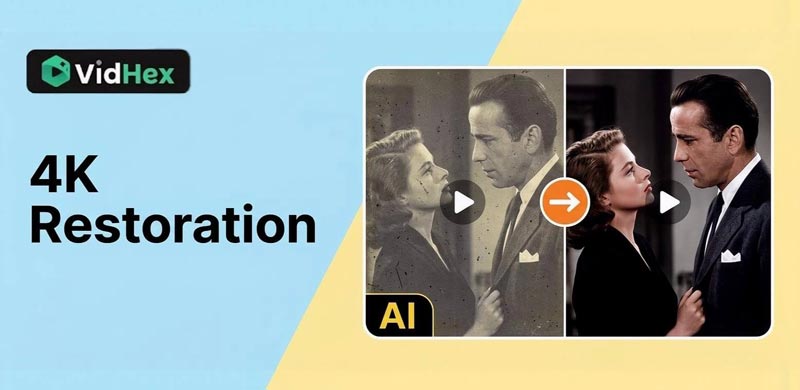
The answer is yes—there is real work behind these results. In fact, there are two main ways to improve old videos today:
• Professional 4K restoration, used by film studios. Film restoration costs a great deal.
• AI video upscaling, which anyone can try at home
In this guide, we will explain both methods in simple terms and show you how to achieve movie-like quality using modern tools.
Contents:
Part 1. What is Professional 4K Restoration?
The Definition
4K restoration is not just about increasing resolution. It is a careful process that aims to preserve and rebuild the original film as accurately as possible. Think of it as restoring an old painting rather than simply resizing a photo.
The Workflow
Professional restoration usually follows three main steps:
Film Scanning
Old films are often stored on 35mm or 70mm film reels. These are scanned at very high resolutions, such as 4K or even 8K, to capture every detail.
Digital Cleaning
After scanning, experts remove dust, scratches, and damage frame by frame. This step can take hundreds of hours, especially for long movies.
Color Grading
Finally, color experts adjust brightness, contrast, and tones. They often use HDR (High Dynamic Range) to match the director’s original vision or even improve it for modern screens.
Part 2. Inside 4K Restoration – Why It Takes So Long
After understanding the basic workflow of 4K restoration, you may wonder why it takes so much time and effort.
The answer is simple—every frame matters.
Frame-by-Frame Repair
A typical movie runs at 24 frames per second. This means:
• 1 minute = 1,440 frames
• 2-hour film = over 170,000 frames
In professional 4K restoration, each frame may be checked and corrected manually. Small issues like dust, flicker, or scratches are not removed in bulk—they are carefully fixed to avoid damaging real image details.
This is why restoration is often described as both a technical process and an art.
Fixing Film Damage and Aging
Old film materials naturally degrade over time. Common problems include:
• Color fading
• Overpowering film grain
• Physical damage like cracks or stains
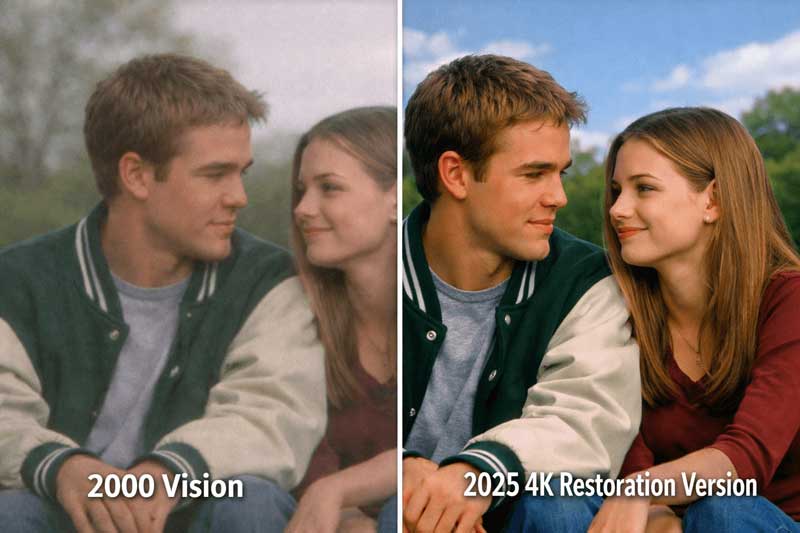
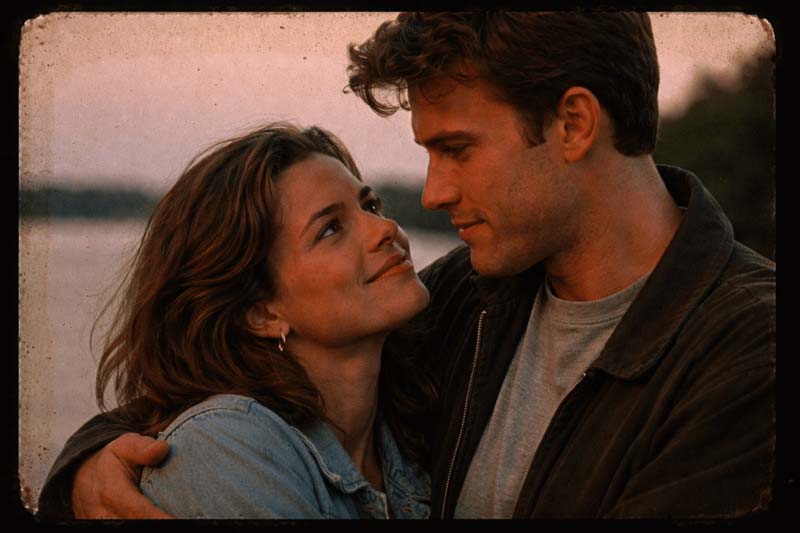
Restoration teams use advanced tools to repair these issues while keeping the image natural. The goal is not to make the film look modern, but to make it look like it did when it was first released.
Restoring Audio Alongside Video
Many people forget that 4K restoration also includes sound.
Audio engineers:
• Remove background noise
• Fix distortion
• Rebalance dialogue and music
Sometimes, old mono audio is even remastered into surround sound for modern systems. This creates a more immersive experience without changing the original intent.
Why Restoration Still Matters in the AI Era
Even with powerful AI video quality enhancement, professional restoration remains important.
AI can enhance images, but it does not truly know the original scene. In contrast, restoration uses real source material, making it the most accurate way to preserve history.
This is why classic films restored by organizations like The Criterion Collection are still considered the gold standard.
Part 3. The Rise of AI 4K Upscaling
The Difference
While restoration is manual and focused on preservation, AI video upscaling is automated and focused on enhancement.
• Restoration = uses original data
• Upscaling = creates new detail using algorithms
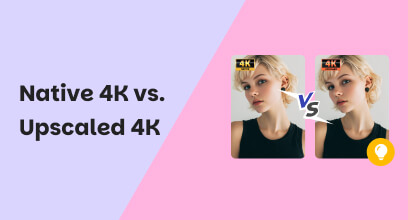
This is why people often compare 4K upscale vs restoration—they serve different purposes.
How AI Works
AI upscaling uses a method called AI super-resolution. The software analyzes millions of images and learns what high-quality details should look like. When you give it a low-resolution video, it guesses and rebuilds missing pixels.
Key Capabilities
Modern AI tools can do much more than just increase resolution:
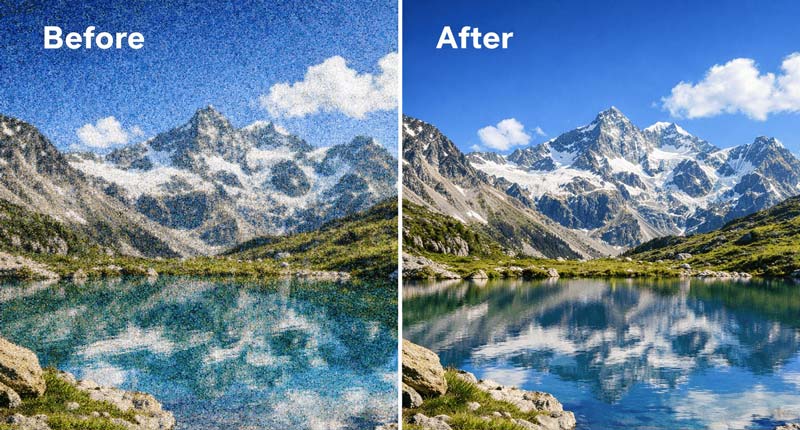
Removes grain, noise, and compression artifacts.
Face Refinement
AI can rebuild facial features, making people look clearer and more natural.
De-interlacing
Older videos (like 1080i TV footage) can be converted into smooth progressive formats like 1080p or 4K.
All of these features help with AI video quality enhancement, especially when trying to fix blurry or low-quality footage.
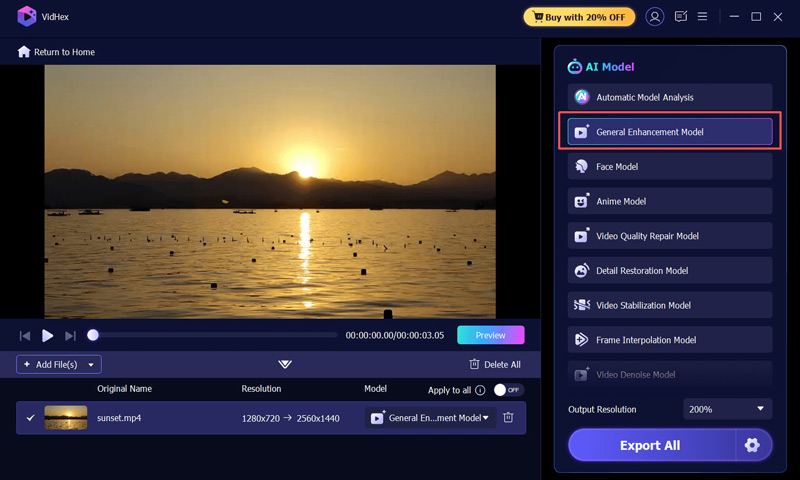
Building on these capabilities, modern AI video enhancers can not only upscale the resolution of older footage, but also significantly improve overall visual quality—producing cleaner images with richer, more refined details. If you want to try AI video upscaling yourself, VidHex Video Upscaler is the best AI upscaler for old footage. Download it, choose the General Enhancement Model, and bring your old footage back to life.
Part 4. Comparison: When to Use Which?
| Feature | 4K Restoration | AI 4K Upscaling |
|---|---|---|
| Best For | Historical films, archives | Home videos, YouTube clips |
| Accuracy | Very high (original data) | Predictive (AI-generated) |
| Time Required | Hundreds of hours | Minutes to hours |
| Cost | Very expensive | Affordable or free options |
In short:
• Use restoration for preserving history
• Use AI upscaling for improving everyday videos
Part 5. FAQs about 4K Restoration & 4K Upscale
Can AI upscaling achieve true 4K quality?
Not exactly. AI can produce very sharp, clear results, but it does not recover the original details. It guesses missing pixels using AI super-resolution, so the result is enhanced—not truly original 4K.
Can I upscale 480P home videos to 4K?
While modern AI models are incredible at reconstructing detail, upscaling a heavily compressed or blurry 480p file to 4K often results in a plastic or waxy look. For the best results, AI upscaling works most effectively when starting with a relatively clean 720p or 1080p source.
Why does my upscaled 4K video look blurry or blocky?
This usually happens due to low bitrate settings during export. Resolution (4K) is just the size of the canvas, but bitrate is the amount of data filling that canvas. If you upscale to 4K but use a low bitrate (e.g., under 15 Mbps), the video will suffer from compression artifacts. For a crisp 4K output that truly looks restored, we recommend an export bitrate between 40-60 Mbps using the H.265 (HEVC) codec.
Conclusion
You no longer need a Hollywood budget to improve your videos. While 4K restoration remains the gold standard for classic films, AI video upscaling offers a fast and accessible way to enhance your own footage.
From fixing blurry videos to upgrading old memories into 4K UHD movies, AI tools are changing how we experience the past.
Think of AI as a bridge—it connects your old memories to modern screens.
Have an old video you want to save? Try an AI tool today and see the difference!

- Upscale videos to 4K/8K with AI.
- Increase FPS for smoother videos.
- Colorize B&W old recordings.
- Brighten the low-lit footage.
- Remove noise with details retained.