Remove Combing, Flickering from Interlace Video

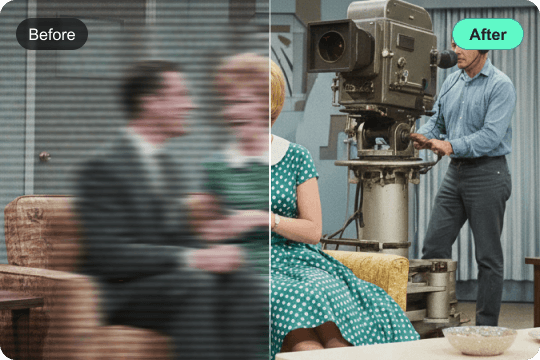
The most common problems with interlaced footage are annoying horizontal lines, "comb" effects, flickering, ghosting, and blurring. With the help of the latest technology in AI, VidHex will be able to remove ghosting and flickering efficiently. It will provide you with a stable, artifact-free image, enabling a smoothness of the original motion without sacrificing video quality.

Buy Now

Buy Now

30-Day Money Back Guarantee

Seamless and Natural Interlaced-to-Progressive Transformation

VidHex intelligently transform the interlaced frames into a clean progressive signal to fix the gap between old broadcast and modern display. It transforms standard-definition or 1080i content into crisp, detailed assets native to the latest ultra-HD monitors and professional projection systems. Whether it is a family heirloom or a vintage broadcast, VidHex restores the natural flow of motion exactly as one remembers it.

Buy Now

Buy Now

30-Day Money Back Guarantee

Enhance Video Clarity and Restore Detail

Traditional deinterlacing often results in loss of fine detail or results in a "soft" image. VidHex focuses on edge preservation and texture recovery while sharpening of faces, landscapes, and detailed patterns. It restores the original clarity of the footage, delivering a professional finish that looks sharp and clear without the artificial "over-sharpened" look.

Buy Now

Buy Now

30-Day Money Back Guarantee

Best of VidHex Deinterlacer

8K Video Upsacle

Enables seamless 8K upscaling and deinterlacing to improve resolution of standard-definition footage.

Complex Scene

Helps to maintain image stability in a complex scene by avoiding shimmers that are typically observed in scenes of high motion.

High Visual Fidelity

Designed to prevent "waxy" skin. Rather, we emphasize realistic skin tones and textures to ensure a cinematic, professional result.

Smart Detection

Automatically detects interlaces and applies the correct processing, making the post-production process simpler for you.

GPU&AI CloudAccelerated Engine

Optimized for high-end hardware to enable high-speed rendering performance when rendering challenging 8K master files for export.

Batch Workflow

Entire archives and/or large project folders can be processed in batch mode with an efficient, professional-grade batch processing engine.

What Videos Can VidHex Handle

VCD/DVD/DV

VCD/DVD/DV

Old Televsion Program

Old Televsion Program

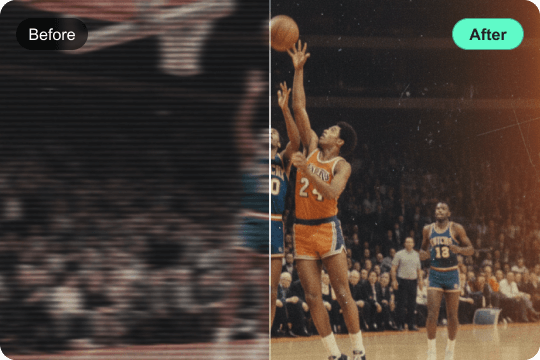
Sport Broadcast

Sport Broadcast

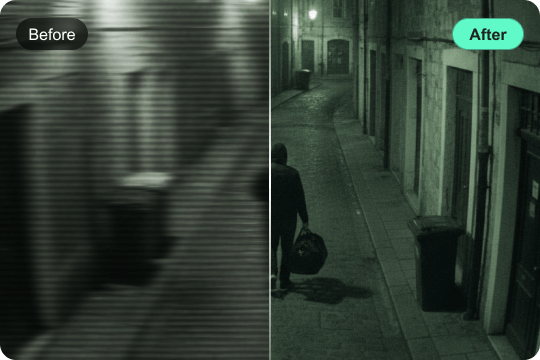
CCTV/Surveillance Footage

CCTV/Surveillance Footage

Who is VidHex Video Deinterlacer Best for?

Archival & Classic Movie

Archival & Classic Movie

Enhance classic television shows and documentaries to 8K resolution and restore all cherished classic content to 8K.

Retro Gaming Preservation

Retro Gaming Preservation

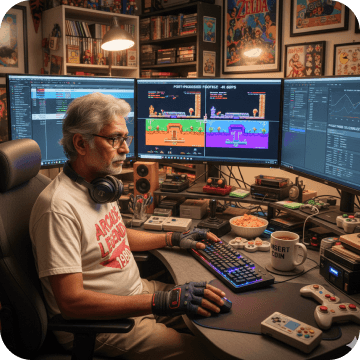
Remove the flickering and interlacing lines in recordings made in legacy consoles and improve the preservation of these recordings into a higher-quality digital archive for the streaming age.

Professional Video Editors

Professional Video Editors

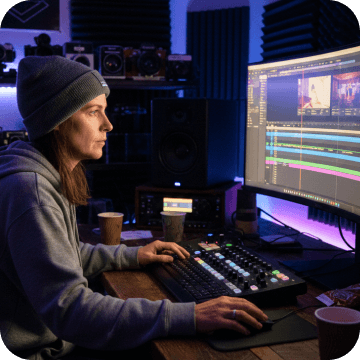
Footage of the past could blend smoothly with your new video. Professional video editors could assist in integrating 4K/8K footage.

Broadcast & Distribution

Broadcast & Distribution

Provide interlaced television masters for VOD and other digital platforms while ensuring that legacy assets conform to the high technical standards demanded by current broadcasters.

How to Use VidHex Video Enhancer

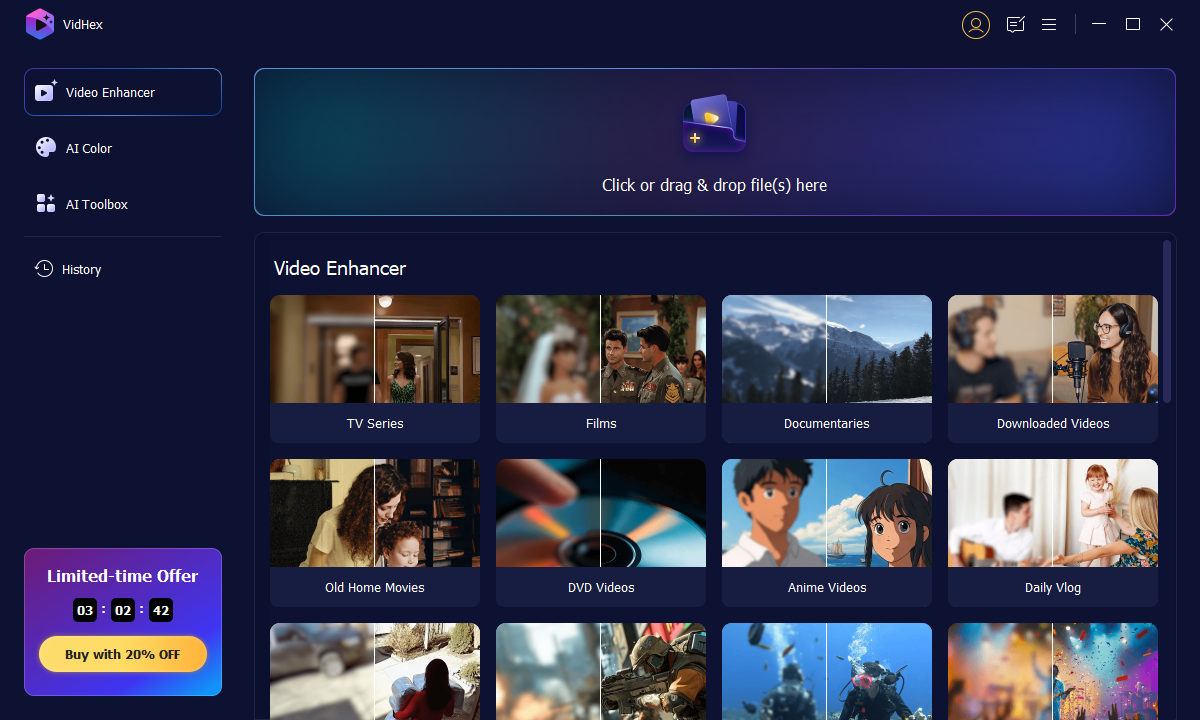
01

Import Your Footage

Launch VidHex and drag your footage file into the interface. Or you can hit the Click or drag & drop files(s) here button.

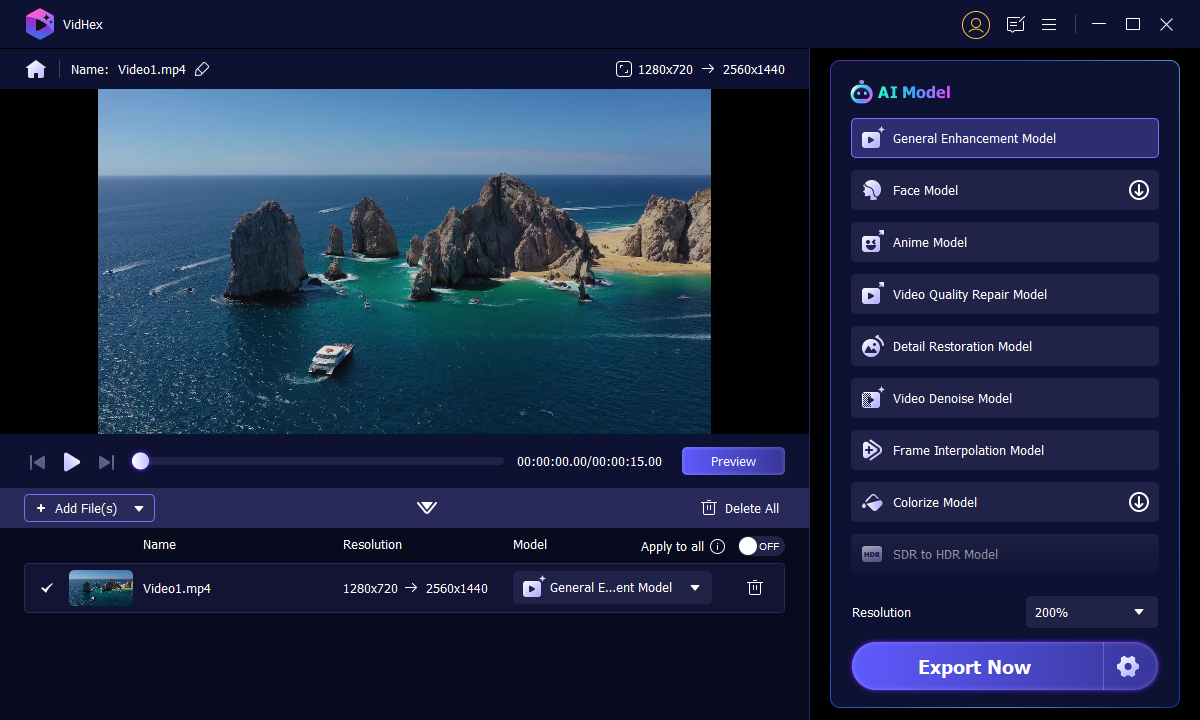
02

Choose an AI Model

Once the video is imported, select the model you want to use. Different VidHex AI models have different effects on the video. Select one and click Preview. Then, continue with Export Now button to ensure your enhancement.

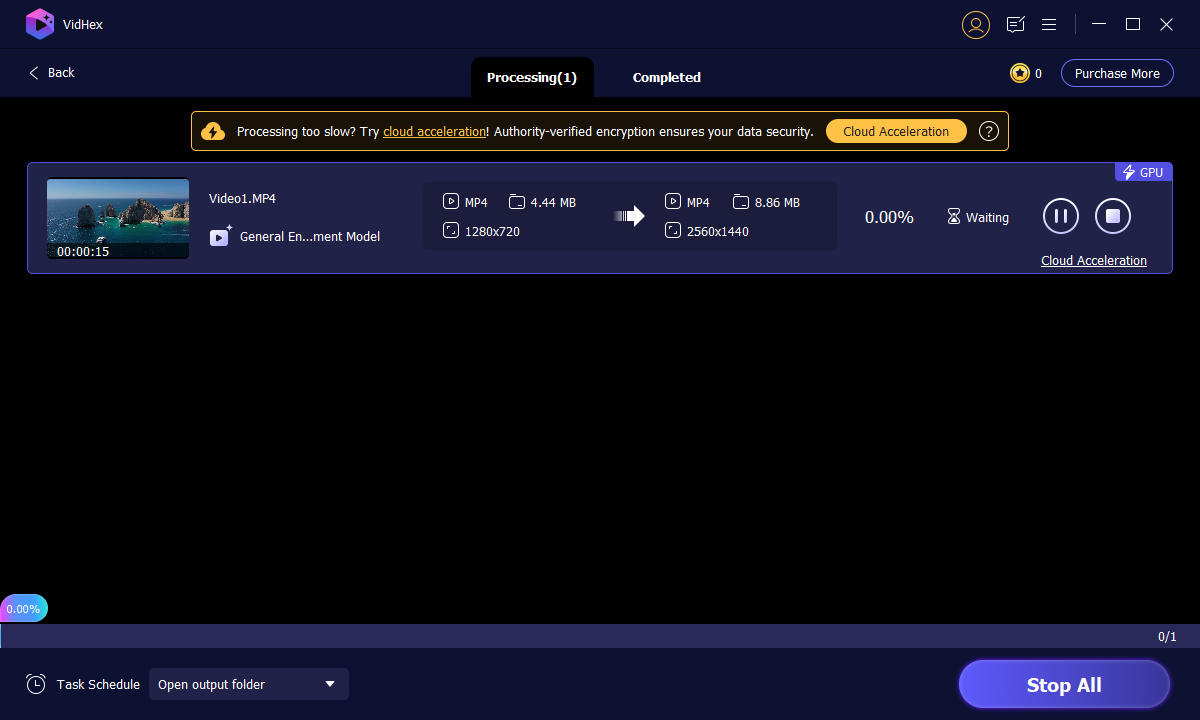
03

Export the Result

Wait for the processing for a while, or you can click Cloud Acceleration to process in cloud.

Vidhex Interface Vidhex Processing Vidhex Export Result

Buy Now

Buy Now

30-Day Money Back Guarantee
What do people say about VidHex

Comment Decoration

It broke my heart to see my home videos from the 90s so jagged on my new TV. The VidHex obliterated those pesky ‘teeth’ lines on the edges of the action. Watching my kids’ first steps is as if I have a window into the scene. Unbelievable.

Sarah JenkinsSarah Jenkins Five star Rating
Comment Decoration

I’ve worked with a lot of legacy footage in 1080i broadcasting, and the de-interlacing in VidHex is the cleanest process I’ve ever observed. The vertical resolution is maintained without the usual blurring associated with standard filtering techniques.

Charlie ThorneCharlie Thorne Five star Rating
Comment Decoration

The flickering motion of old basketball games used to give me a headache. I ran my archive through VidHex, and the fast action is finally fluid. It's like watching a modern 60fps stream! If you like sports, get this.

HarrisonHarrison Five star Rating
Comment Decoration

Saves me hours of work when I have to sift through tons of clips for my documentaries on YouTube. VidHex automates the whole deinterlacing process with professional results. It's saved me so much time while making my old footage look high-end and broadcast-ready.

David RoneDavid Rone Five star Rating

Frequently Asked Question

What is "interlaced" video and why fix it?

Interlacing is an old broadcast method (e.g., 1080i) that displays images in alternating lines. On modern screens, this causes "combing" artifacts and flickering. VidHex converts these into smooth, progressive frames for a clean, stable look.

Can I deinterlace and upscale to 8K simultaneously?

Yes. VidHex combines deinterlacing and 8K upscaling into a single professional workflow. This saves time and prevents the quality loss that usually happens when using multiple different tools.

How does VidHex maintain a natural look?

Unlike basic enhancers that create a "waxy" or "plastic" texture, VidHex uses texture-aware processing. It restores sharpness to faces and fabrics while preserving the organic detail of the original film.

How fast is the 8K rendering process?

Processing 8K is demanding, but VidHex is optimized for GPU acceleration (NVIDIA/AMD) and AI cloud acceleration. This allows it to render high-resolution files significantly 50× faster than traditional CPU-only software.

Success

Congratulations!

Thank you for subscribing! You've successfully joined our newsletter. Expect updates, offers, and insights delivered straight to your inbox.